
Threadweave
An AI-powered session planning tool for tabletop RPG game masters.
This is a self-initiated concept project. What I'm proud of is the thinking: identifying a real gap in a growing product space, developing a clear point of view, and using new tools to move from idea to interactive prototype faster than I ever have before.
Where This Came From
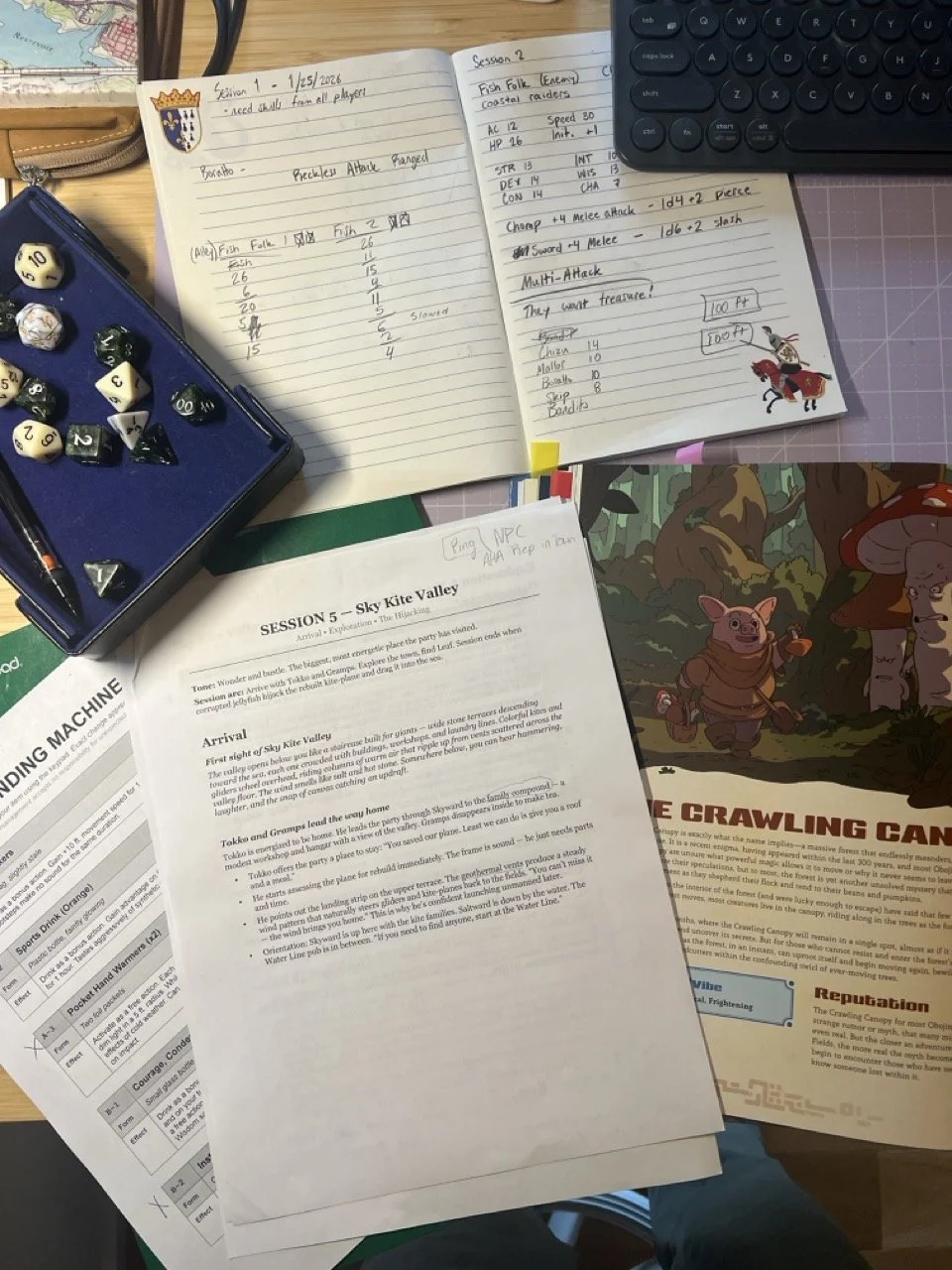
I run a homebrew tabletop RPG campaign called Obojima. Over several sessions, I'd built up a system for managing it — tracking storylines, NPCs, locations, and session history in documents and wikis. But every week, the hardest part wasn't remembering what happened. It was figuring out what to do next.
Session planning is a specific creative challenge: you have a sprawling network of interconnected storylines, characters, and places, and you need to turn that into something focused and usable for a 3-4 hour session. You're not writing a script — you're preparing to improvise. You need a palette of options, not a predetermined story.
I started wondering if this was a design problem worth solving.
Research
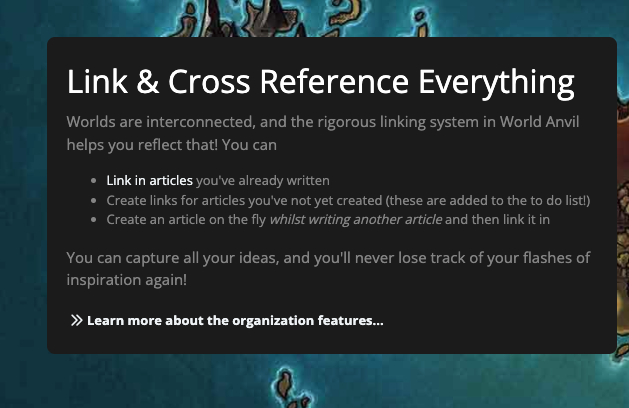
I surveyed the competitive landscape and found three categories of existing tools — and a gap none of them filled.
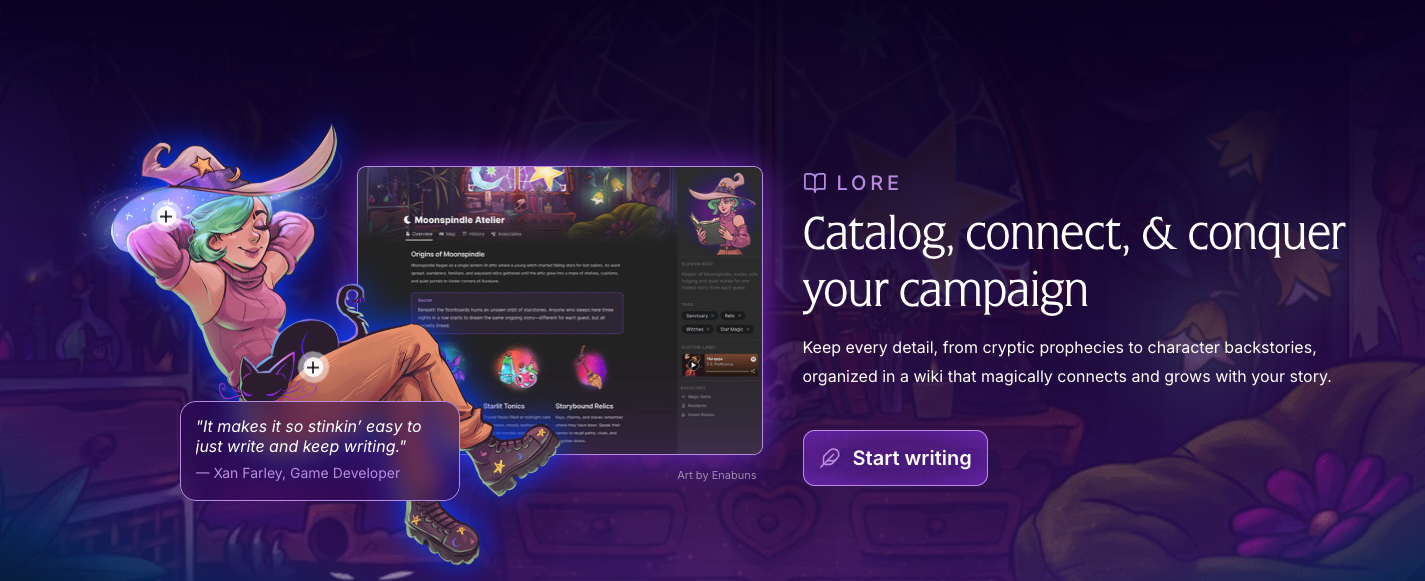
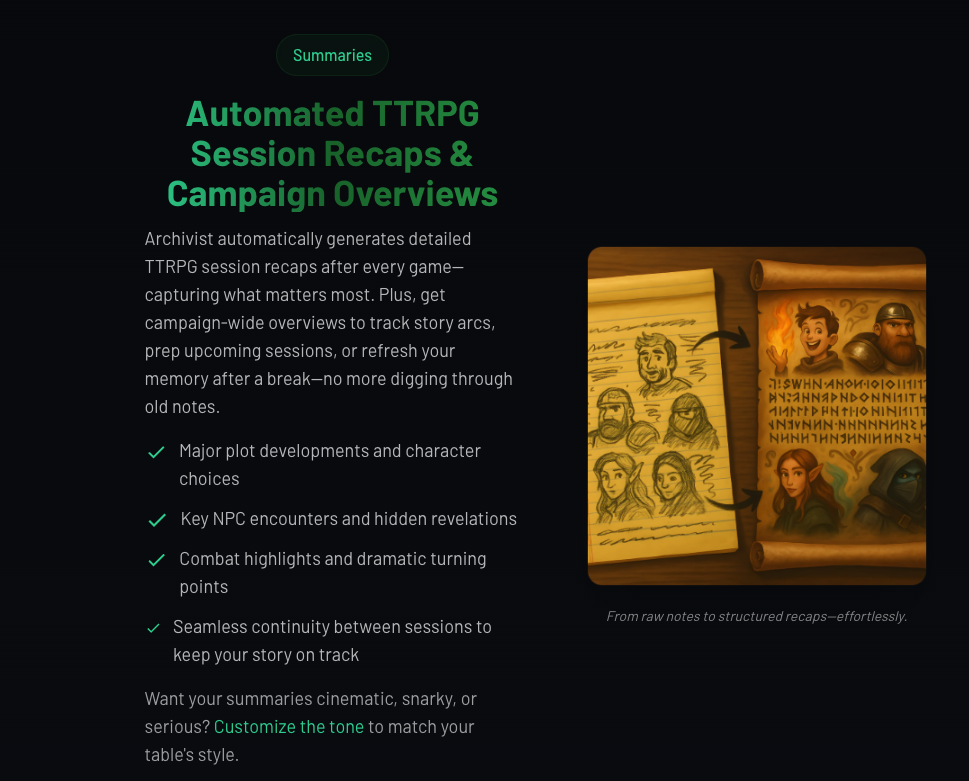
Traditional campaign managers like World Anvil and LegendKeeper are wiki and database tools — great for storing lore, but built for worldbuilders, not session planners. AI-first tools like MythWeaver and Archivist focus on content generation and session capture respectively — useful, but neither addresses the planning problem. General productivity tools like Notion remain the default precisely because they're flexible, but flexibility means rebuilding your workflow from scratch every time.
The gap: no product helps GMs think through the creative, associative work of session planning. Tools exist to store your world, generate content, and capture what happened. Nothing helps you go from "here's everything I know" to "here's what I need at the table."
Design Thesis
Existing tools are focused on managing knowledge. This tool is focused on managing a story.
Threads over entities. Most campaign tools organize around wiki articles — one page per NPC, one page per location. But the thing that actually matters during session planning is the storyline — the ongoing narrative thread that connects characters, places, and events across sessions. Threads are the primary organizing unit.
Prep for improvisation, not scripts. The output of session planning shouldn't be a predetermined sequence of events. It should be a palette: locations with sensory details, NPCs with motivations and knowledge, possible beats that could happen if the players engage. The goal is to feel more prepared to go off-script, not less.
AI as thinking partner, not content factory. The AI doesn't generate your world for you. It helps you see connections you might have missed, flags gaps in your plan, and drafts structured content that you then edit and make your own.
Shape The convergent phase. The AI generates a session plan draft based on the GM's selections and accepted insights. The plan includes an opening scene, location palettes with sensory details for quick table reference, NPC quick-reference cards, possible thread beats, and session ending options. Everything is editable.
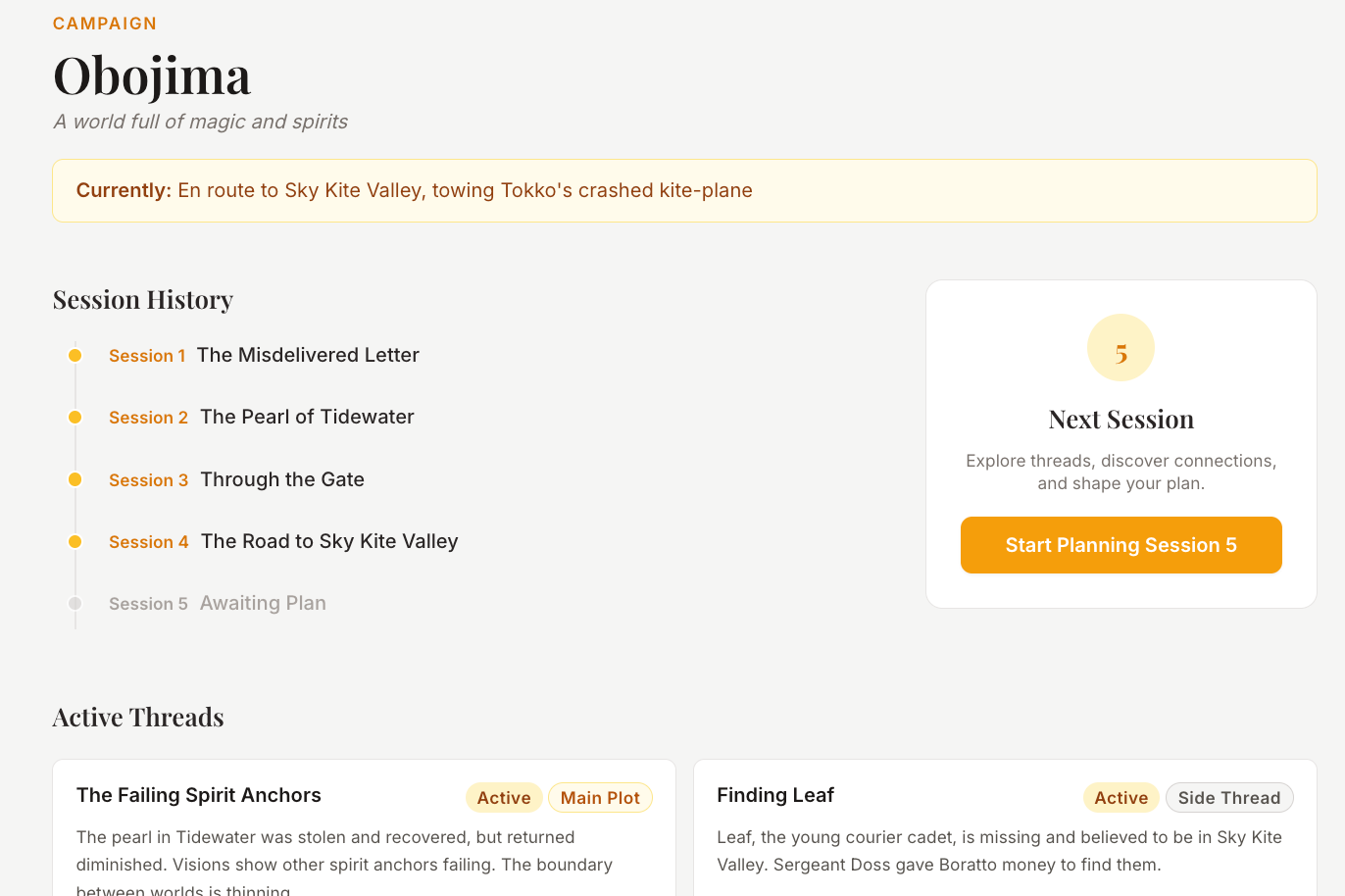
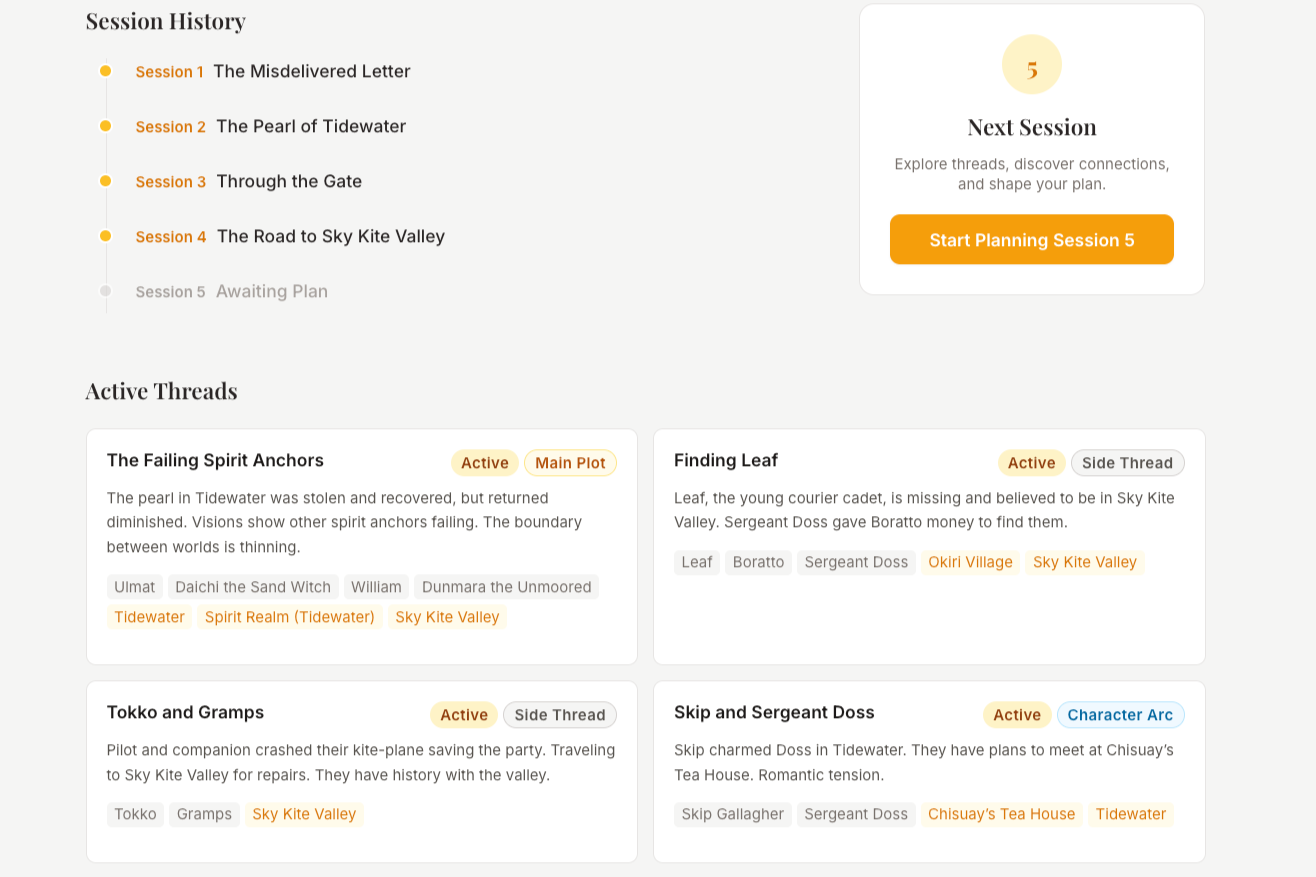
Campaign Overview The home view shows the full campaign state: session timeline, active and simmering threads, party members, locations. This orients the GM and provides the entry point to planning.
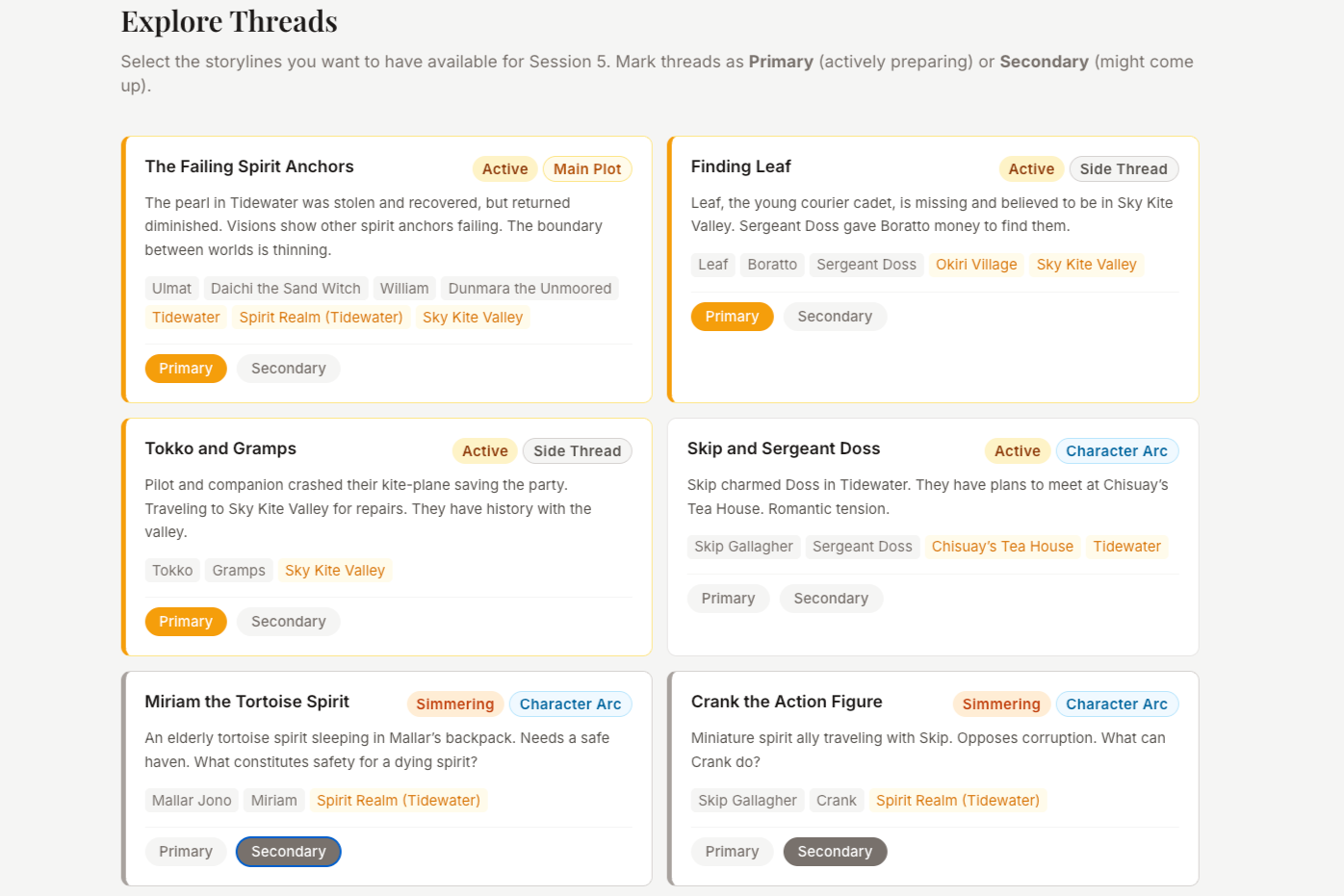
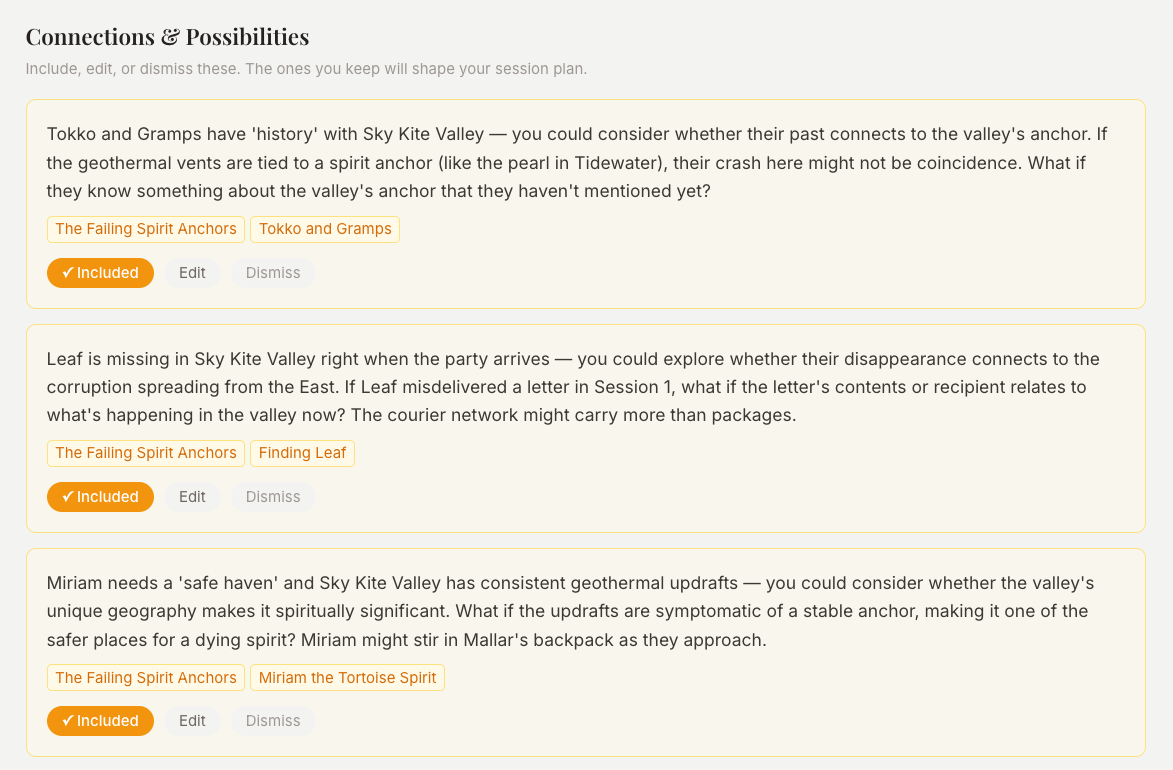
Explore The divergent phase. The GM selects which threads to focus on, marking them as Primary or Secondary. The AI surfaces connection insights — observations about how threads, NPCs, and locations might intersect in interesting ways. These insights are interactive: the GM can accept, dismiss, or edit each one, shaping which ideas carry forward.
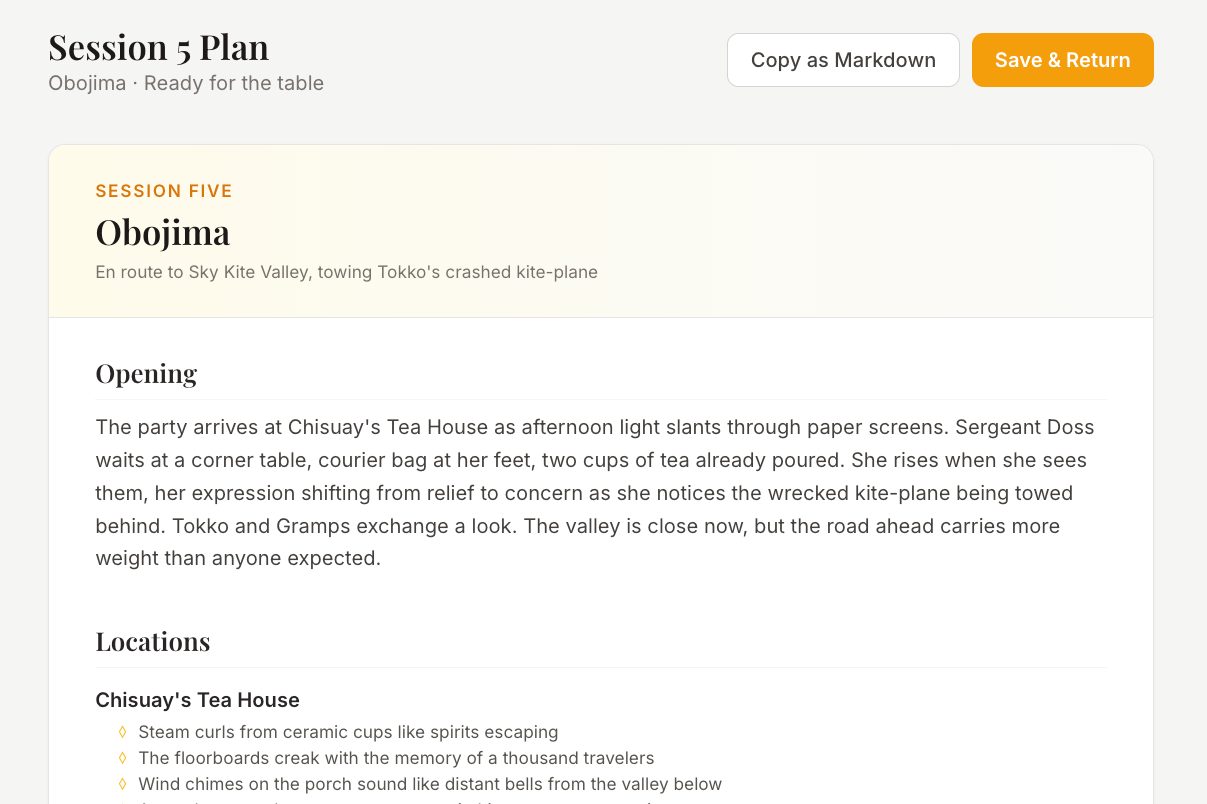
Review The finished session plan, formatted as a clean, printable document. This is the payoff — the GM now has something they can bring to the table.
What I Learned
The gap between concept and prototype is shrinking fast. AI tools have reached a point where a designer with a clear concept and strong requirements can produce a working interactive prototype without a traditional development cycle. This project went from idea to functional React app with real AI integration in a fraction of the time it would have taken even a year ago. That changes what's possible for concept exploration and validation.
Planning time pays off. The biggest lever on prototype quality wasn't time spent in code — it was time spent on the requirements document. When I invested in clarifying the purpose of each feature, defining the interaction principles, and writing specific, opinionated specs, the first pass from AI coding tools was dramatically better. Vague requirements produced generic output I had to fight with; clear requirements produced something that felt designed. Front-loading the thinking saved time everywhere downstream.
What I'd Do Differently
Design the flow before building the prototype. I went from requirements to code relatively quickly, and ended up refining design patterns and information architecture after the prototype was already built. That felt backwards — I was making interaction design decisions in a code environment when they would have been easier and faster to explore in lower-fidelity tools first. Next time, I'd spend more time on flows, wireframes, and IA before touching code, even when the tools make it tempting to jump straight to building.